Cross-Platform: How to Design a Cohesive UI Without Losing Your Mind
Designing for multiple platforms is not just about moving buttons, if your game isn't accessible on PC, Console, and Mobile, you're missing out on a massive chunk of the market.
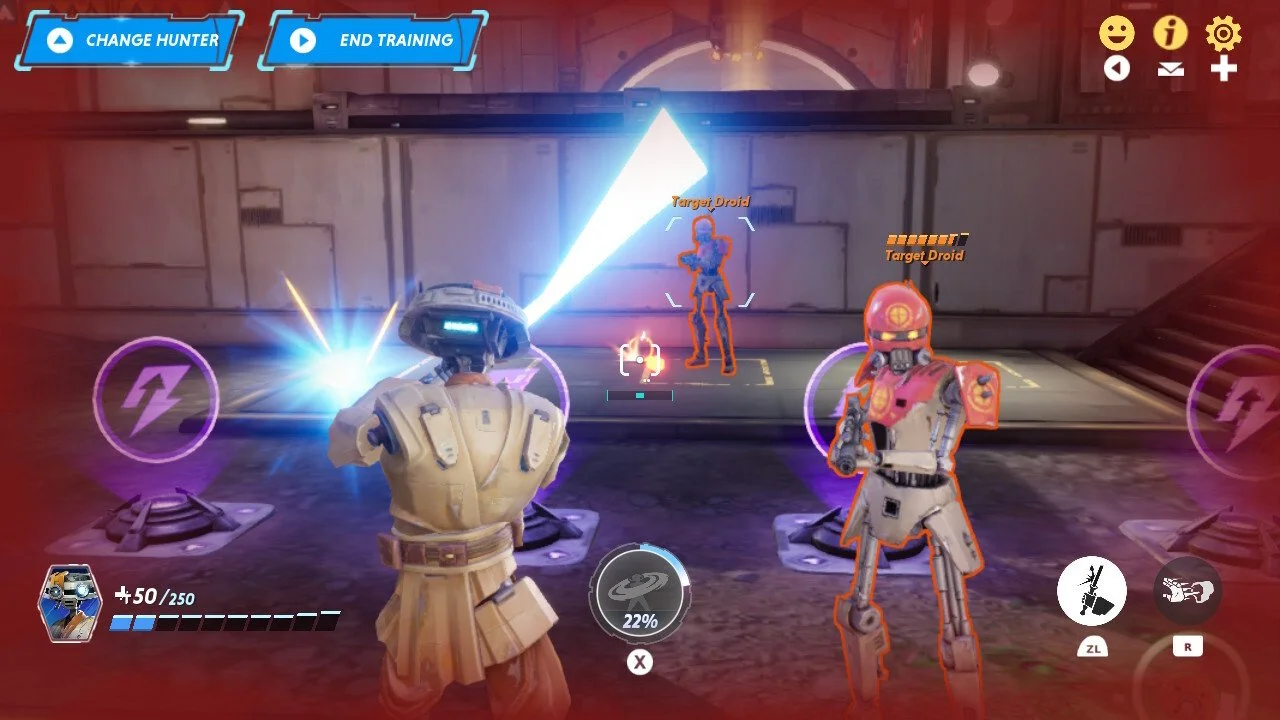
1. Hardware and Performance Constraints
Mobile: You are fighting a war against battery life and heat. With thousands of Android and iOS variants, optimization is about memory management and keeping the GPU from melting the player's hand.
Console: The specs are fixed, which is a blessing for optimization but a curse for expectations. You must hit high frame rates and pass brutal certification tests.
PC: The "Wild West." You have to support everything from a 10-year-old laptop to a $5,000 rig. Support for multiple resolutions and drivers is mandatory.
2. Control and Input
Mobile: Touch is king. Design for "fat fingers" and short sessions. Accelerometers and haptics add depth, but the screen is your primary, crowded real estate.
Console: The gamepad is the standard. You have the luxury of triggers and joysticks, allowing for complex maneuvers and longer, more relaxed "couch" sessions.
PC: Keyboard and Mouse offer unmatched precision, but players expect controller support too. This is the home of the "Multitasker" who might have a browser open on a second screen.
3. Monetization and Economy
Mobile: High volume, low spend. It is a F2P (Free-to-Play) world driven by ads and IAPs. Your UX must focus on retention because user acquisition can be incredibly expensive.
Console: Premium territory. Players pay upfront and expect a "Gold Master" experience. DLCs and season passes are the standard follow-up.
PC: The ultimate hybrid. From Steam "Buy-to-Play" to F2P giants, the PC crowd is often more willing to invest in deep expansions and community-driven mods.
4. Usage Patterns and Session Length
Mobile: The "Micro-Session." Design for the bus ride or the waiting room. Onboarding must be instant, and saving must be automatic.
Console: Immersive marathons. Players are home, settled, and ready for narrative depth. You can take your time with the "Slow Burn."
PC: From five-minute indie rounds to 12-hour raids. Flexibility is key; your game needs to be "alt-tab" friendly for the modern gamer.
5. Distribution and Ecosystem
Mobile: You live and die by the App Store and Google Play rules and algorithms. Fees can be high, but the reach is global.
Console: Walled gardens. Each platform (Sony, Microsoft, Nintendo) has its own dev kits and strict gatekeepers. It is controlled but prestigious.
PC: Whether it is Steam, Epic, or GOG, you have direct access to your fans and can push updates whenever you want.
6. Player Expectations and Quality
Mobile: Polish over power. It does not need to look like a movie, but it must feel smooth and load in under three seconds.
Console: The "No-Bug" standard. Reviews and "Featured" slots on the dashboard determine your success. High-end visuals are the entry fee.
PC: Customization is everything. If you do not have a "Settings" menu with 50 toggles and mod support, the community will let you know.
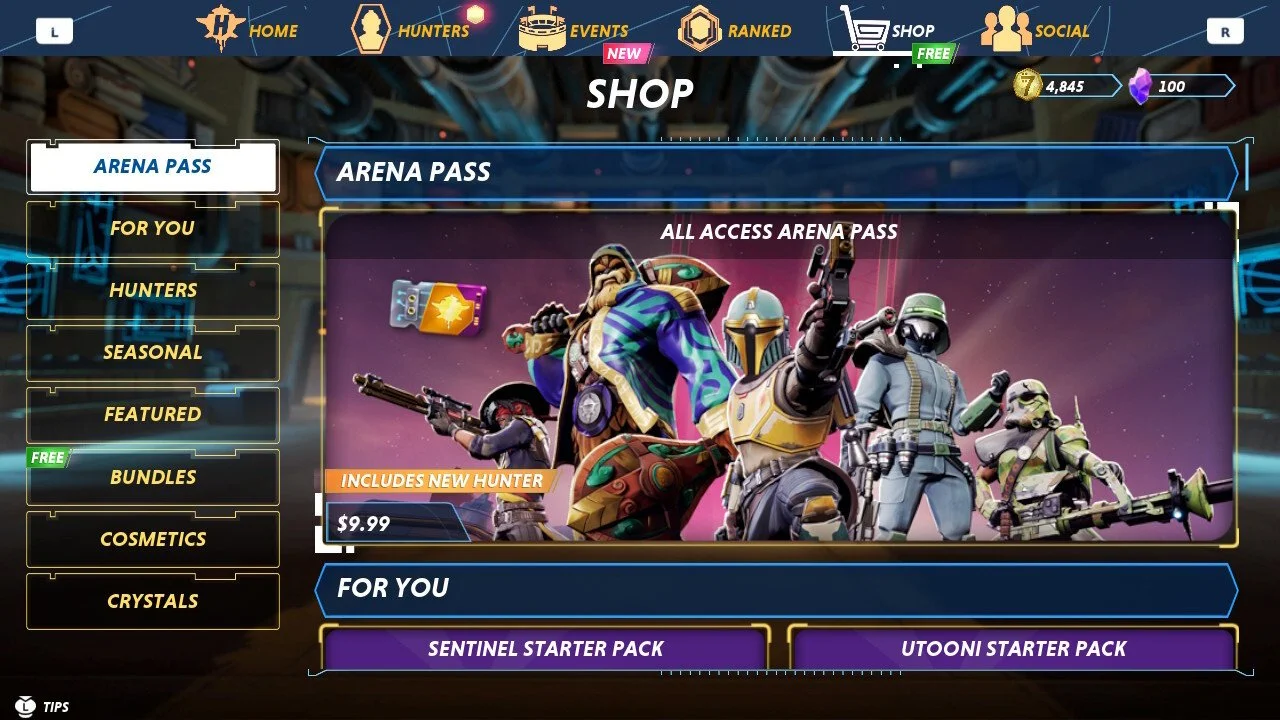
1. The Golden Rule: Consistency is Your Branding
Its not just the UI but the whole experience from marketing to sales pages, You should have a standardised colour schemes and typography can lead to a 30% increase in user retention. Visual coherence is a trust-builder; 70% of consumers prefer brands that offer consistent experiences across all channels.
2. Controls: Familiar Layouts, Custom Inputs
61% of gamers pay close attention to control usability. Maintain a familiar overarching layout while tailoring the interaction. For console systems, prioritize radial menus for quick thumbstick access research shows players access options 30% faster compared to linear menus. Conversely, PC setups should leverage the precision of dropdowns and rectangular layouts.
3. Responsive Design & Scalable Layouts
Mobile gaming is projected to account for over 50% of global gaming revenue this year. You need to utilize a responsive grid system (like a 12-column grid) to ensure layouts adapt across mobile (≥576px), tablet (≥768px), and desktop (≥992px). Avoid fixed pixel values; use percentage-based widths to prevent overflow and maintain visual appeal on larger displays.
4. The "Finger-Friendly" Touch Targets
If you’re on mobile, size matters. Interactive elements must be at least 44x44 pixels to cater to finger accuracy and reduce mis-clicks. For high-intensity actions, aim for 44-60 pixels. Since 49% of users operate devices with one hand, position your most critical buttons within the lower third of the screen.
5. Adaptive Tooltips and Cues
Don't make your player "translate" controls. Implement Adaptive Tooltips that summarize controls based on the detected input displaying keyboard shortcuts for PC while preserving button prompts for console. This simple switch can boost player comprehension by 25%.
6. Accessibility and the "Safe Zone"
15% of the global population lives with a disability. Ensure your UI includes voice commands, screen readers, and high contrast. Additionally, always incorporate safe zones for critical components, positioning essential controls away from the edges or bezels to accommodate different screen housing and aspect ratios (16:9, 4:3, ultra-wide).
7. Asset Management: High-Res vs. Performance
Utilize Scalable Vector Graphics (SVG) for UI elements to ensure crisp visuals on high-res displays while keeping file sizes low. For bitmaps, use a multi-resolution approach: Standard (1x), HD (2x), and Ultra HD (3x). Optimizing images is vital, as they can account for up to 75% of total page weight, directly impacting that crucial 3-second load time target.
8. PC Navigation: Shortcuts and Hover States
For the PC crowd, responsiveness is measured in "Hover States." Highlighting elements on hover can increase interaction rates by 50%. Don’t forget that 80% of seasoned PC players rely on keyboard shortcuts for inventory and menu management ensure these are remappable, as 72% of PC gamers prefer custom controls.
9. Unified Iconography
Recognizable icons can improve user retention by 25%. Use universal symbols (gears for settings, hearts for health) and maintain a consistent visual weight. Color-coding these icons can increase comprehension by 73%, facilitating immediate recognition of actions across different input methods.
10. The VR Frontier: Voice and Context
In VR, immersion is everything. Over 35% of VR users prefer voice-activated controls for navigation. If you are implementing voice, prioritize Natural Language Processing (NLP) and contextual awareness—players should be able to say "open inventory" and have the system understand the command relative to their current in-game environment.
Conclusion: One Experience, Multiple screens
Creating a cohesive UI across platforms isn't about making everything look identical it's about making the transition invisible. When a player moves from their console to their phone, the logic should stay the same, even if the buttons change.